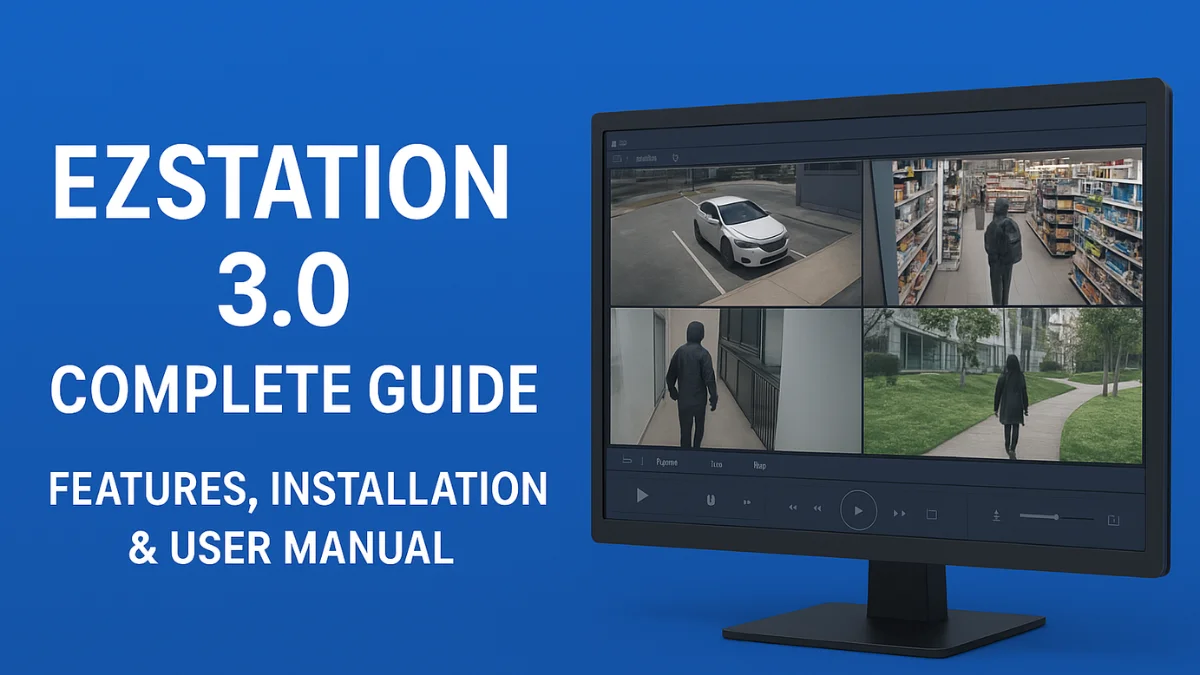
EZStation 3.0 is a powerful Video Management Software (VMS) designed for managing IP cameras, NVRs, DVRs, and security systems from a single dashboard. It is widely used by CCTV installers, businesses, and security professionals because of its simple interface, advanced monitoring tools, and strong device compatibility.
Whether you have a small shop or a large surveillance setup, EZStation 3.O helps you monitor, playback, and manage CCTV footage efficiently.
What is EZStation 3.0?
EZStation 3.0 is a centralized security management software that allows users to view live video, check playback history, receive alarms, and manage devices conveniently. It supports a wide range of security products, such as:
- IP Cameras
- NVR (Network Video Recorders)
- DVR
- Door & Access Control Devices
- Intercom Systems
This software is mainly used with Uniview (UNV) CCTV systems.
Key Features of EZStation 3.0
⭐ 1. Multi-Screen Live View
You can monitor multiple cameras simultaneously.
Important: Supports layouts like 4, 9, 16, 25, and 36 views.
⭐ 2. Smart Playback
Search recorded footage based on:
- Motion
- Human detection
- Vehicle detection
- Event alarms
⭐ 3. Easy Device Management
Add devices easily using:
- IP address
- P2P
- Cloud
⭐ 4. Smart Search & Smart Tracking
Helps identify humans, vehicles, and movements quickly.
⭐ 5. Event Notifications
You get instant alerts on:
- Motion detection
- Vandalism
- Line-crossing
- Face detection
⭐ 6. Remote Monitoring
View live video on PC from anywhere with internet access.
⭐ 7. User & Permission Control
Assign user roles for managing multi-location CCTV setups.
⭐ 8. Video Wall Support
Ideal for large projects like malls, hospitals, schools, and factories.
Benefits
✔ User-friendly interface
✔ Fast video loading
✔ Great for small & large CCTV systems
✔ Supports advanced AI features
✔ Reliable for professional installers
System Requirements (Recommended)
- Windows 7/8/10/11
- At least 8GB RAM
- i5 processor or above
- A dedicated graphics card is recommended for large camera setups
How to Install EZStation 3.0
- Download the latest EZStation 3.0 setup from the official website.
- Run the installer and select your preferred language.
- Choose installation type → Standard.
- Complete the installation and launch the software.
- Add devices using IP, P2P, or Cloud Login.
How to Add Cameras on EZStation 3.0
- Open EZStation → Go to Device Management
- Click Add Device
- Enter:
- Device Name
- IP Address
- Username & Password
- Click Save
- The device will appear in the list
- Drag the camera into the Live View screen
Troubleshooting – EZStation 3.0 Not Working?
✔ Check firewall settings
✔ Update NVR firmware
✔ Check network connectivity
✔ Make sure the password is correct
✔ Reinstall software if needed
FAQ – EZStation 3.0
1. Is EZStation 3.0 free?
Yes, EZStation 3.0 is completely free software for managing CCTV devices.
2. Can I connect cameras from different brands?
Yes, but only if the camera supports the ONVIF protocol.
3. Does EZStation support remote monitoring?
Yes, you can access cameras remotely with a proper network setup.
4. Can beginner users operate EZStation?
Absolutely. It is designed with a simple interface for easy use.
5. What is better: EZStation or CMS from other brands?
EZStation is known for stability, AI support, and smooth performance for Uniview products.
Conclusion
EZStation 3.0 is a complete, professional VMS software ideal for CCTV monitoring, playback, event management, and multi-device control. Whether you’re a CCTV installer or a business owner, it makes surveillance simple and powerful.
Latest Post
- CCTV Cameras Can Be Hacked: How to Secure Your CCTV in 2026
- India’s CCTV Market Is Changing—Here’s What It Means for Hikvision, Dahua and Indian Brands
- Guanlan Encoding by Hikvision – Features, Benefits & Complete Guide (2026)
- HikTech Star Show 2026 – Complete Guide, Benefits, Registration & Tips
- Plugins for Eco Series – Download, Install & Fix Plugin Issues