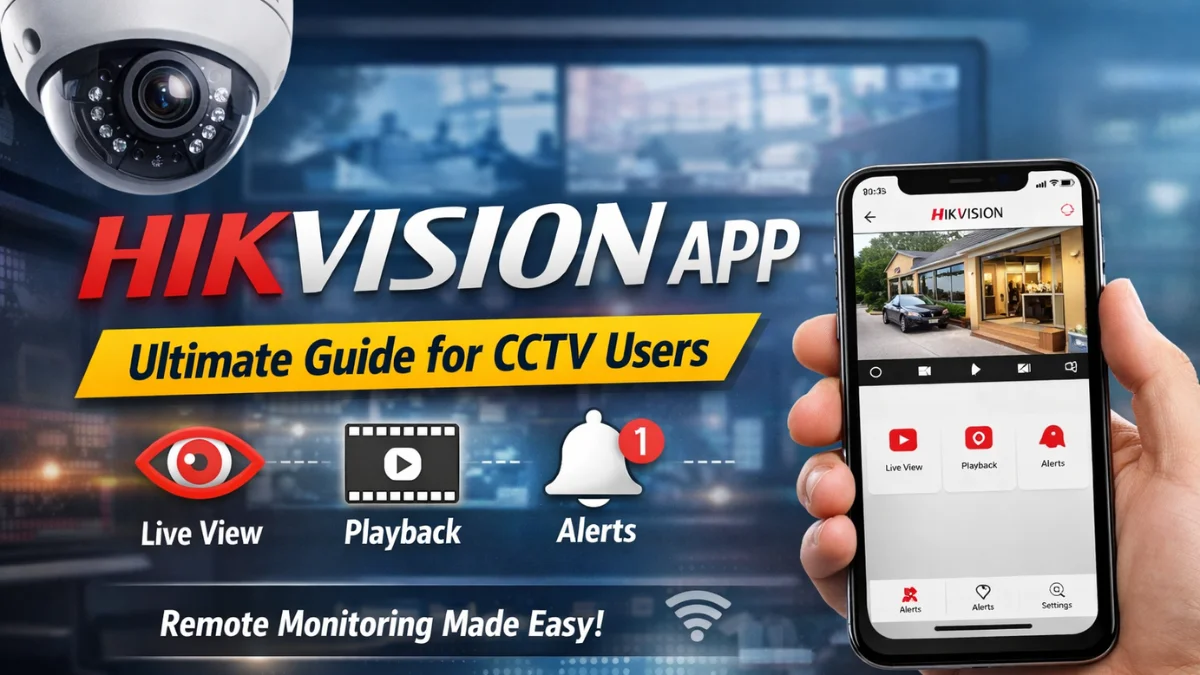
In today’s world, security and surveillance are more important than ever — whether you’re a homeowner, business owner, or facility manager. A mobile surveillance app that is easy to use, reliable, and feature-rich becomes an absolute game-changer. Enter the Hikvision app — one of the most popular tools designed to give you real-time access to your CCTV system from anywhere in the world.
In this guide, we’ll break down everything you need to know about the Hikvision app — how to use it, why it’s beneficial, and how to troubleshoot common issues.
🌟 What Is the Hikvision App?
The Hikvision app is a mobile application developed by Hikvision, a global leader in video surveillance technology. It allows users to:
- 📍 View live video feeds from connected cameras
- 📼 Play back recorded footage
- 🔔 Receive alerts for motion detection and alarms
- ⚙️ Manage device settings remotely
The app is smart, intuitive, and compatible with both Android and iOS devices.
🔍 Why the Hikvision App Is So Popular
✅ Remote Security Monitoring
One of the biggest advantages of the Hikvision app is remote accessibility. With just your smartphone, you can check your security cameras anytime and anywhere, as long as you’re connected to the internet.
✅ Easy Setup
The app utilizes QR code scanning, allowing you to connect your devices without requiring complicated IP addresses or network details.
✅ Instant Alerts
If your cameras detect unusual motion, suspicious activity, or a triggered alarm, you’ll receive instant push notifications — giving you peace of mind even when you’re away.
✅ Multiple Camera Support
Whether you have one camera or 50, the Hikvision app supports multiple device management under a single account.
✅ Secure and Encrypted
Hikvision prioritizes data protection — your video streams and login credentials are encrypted to keep hackers at bay.
📲 How to Download and Install the Hikvision App
For Android Devices
- Open Google Play Store
- Search “Hikvision”
- Tap Install
- Open the app and create your account
For iOS Devices (iPhone / iPad)
- Open the App Store
- Search “Hikvision”
- Tap Get
- Sign in or create a new account
👍 Tip: Always download the official app to avoid fake copies. Look for the developer name — Hikvision Digital Technology Co., Ltd.
🛠 How to Connect Your Camera to the Hikvision App
Once the app is installed:
- Log in with your Hikvision account.
- Tap “Add Device”
- Scan the QR Code on the camera or DVR/NVR device.
- Wait for the system to connect.
- Name your camera and start viewing!
👉 Important: Make sure your cameras and smartphone are on the same Wi-Fi network during setup.
💡 Pro Tips for Using the Hikvision App Better
• Enable Push Notifications
Go to Settings → Notifications and turn on alerts for motion, tampering, or sound detection.
• Use Cloud Storage
If you want extra safety, consider backing up recordings to the Hikvision cloud.
• Keep Firmware Updated
Always update your camera firmware and app to the latest version for security patches and new features.
• Set Activity Zones
Customize detection zones to reduce false alerts from animals, cars, or trees.
🚧 Common Issues & Fixes
| Issue | Possible Cause | Solution |
|---|---|---|
| App not connecting | Weak internet | Check Wi-Fi or mobile data |
| No live video | Camera offline | Restart the camera/router |
| Notifications not arriving | Settings off | Enable app alerts |
| Playback lag | Low bandwidth | Use 4G/5G or faster Wi-Fi |
💬 Frequently Asked Questions (FAQs)
❓ What is the best app for Hikvision cameras?
The official Hikvision app (available on Android and iOS) is the most reliable and secure option to connect with your cameras. Always download from official stores.
❓ Can I view multiple cameras at once?
Yes! The Hikvision app supports multi-camera viewing in split-screen mode.
❓ Do I need internet to use the Hikvision app?
Yes — for remote viewing and alerts, internet access is required. Local Wi-Fi support allows live viewing without internet if your phone and device are on the same network.
❓ Why is my app not receiving alerts?
Check that push notifications are enabled, and confirm that motion detection is turned on in the camera settings.
❓ Is the Hikvision app safe?
Yes. Hikvision uses encryption and secure login methods to protect your video data and account security.
🔚 Final Thoughts
The Hikvision app is an essential tool for modern surveillance — combining ease, reliability, and flexibility for users of all levels. Whether you’re monitoring your business, home, or property, this app brings real-time control right to your fingertips.
Remember: Security is only effective when it’s easy to use. The Hikvision app delivers exactly that — and more.
Latest Post
- CCTV Cameras Can Be Hacked: How to Secure Your CCTV in 2026
- India’s CCTV Market Is Changing—Here’s What It Means for Hikvision, Dahua and Indian Brands
- Guanlan Encoding by Hikvision – Features, Benefits & Complete Guide (2026)
- HikTech Star Show 2026 – Complete Guide, Benefits, Registration & Tips
- Plugins for Eco Series – Download, Install & Fix Plugin Issues