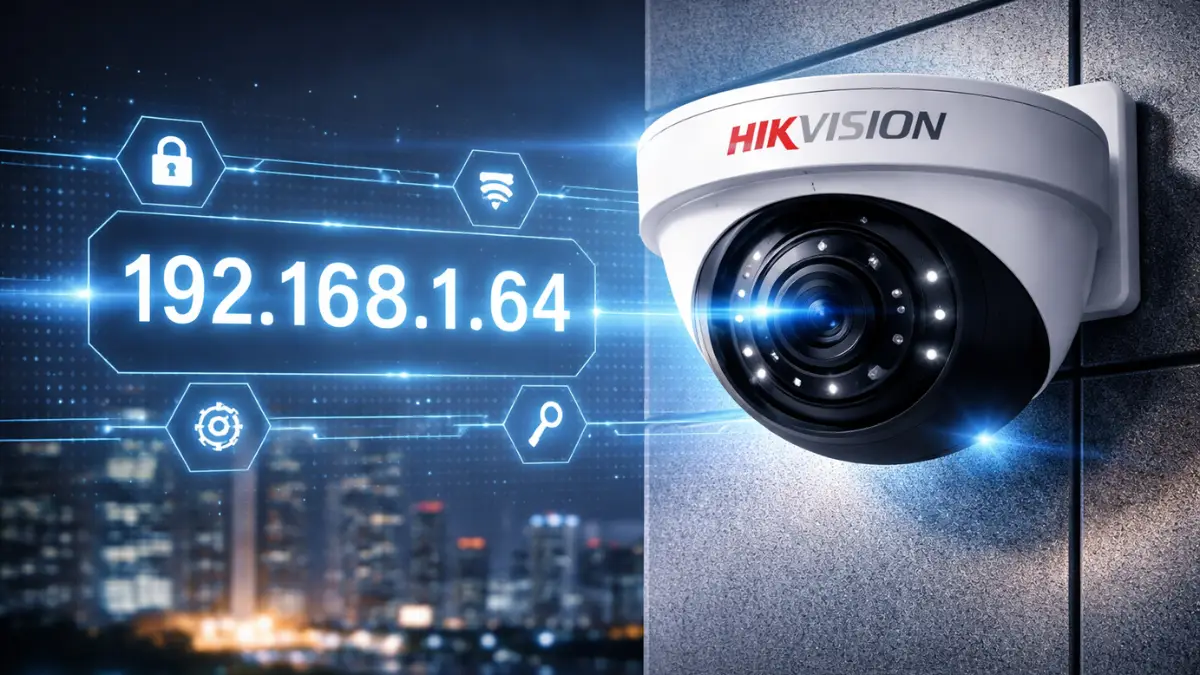
If you are installing or configuring a CCTV system, accessing the camera interface is the first step. Hikvision cameras, one of the most popular CCTV brands in India, come with a Hikvision Camera default IP address that allows quick setup.
In this guide, you’ll learn the Hikvision default IP, login details, setup process, and troubleshooting tips—perfect for beginners and professional CCTV installers.
⭐ What is the Hikvision Camera Default IP?
The default IP address of Hikvision CCTV cameras is:
👉 192.168.1.64
This IP is used to access the camera via browser or software for initial configuration.
🔐 Default Username & Password
Hikvision has updated its security policy:
- Username: admin
- Password: ❌ No default password (must create on first login)
⚠️ Important:
New Hikvision devices require activation—you must set a strong password before use.
⚙️ How to Log in to Hikvision Camera
Follow these simple steps:
🖥️ Step 1: Connect Camera
- Connect the camera to the router or switch
- Power ON the device
🌐 Step 2: Match Network Range
- Set your PC IP like: 192.168.1.xxx
- Example: 192.168.1.100
🔎 Step 3: Open Browser
- Open Chrome / Edge
- Enter: http://192.168.1.64
🔑 Step 4: Activate & Login
- Create a strong password
- Login with username: admin
📱 Alternative Access Methods
You can also use:
- 📲 Hik-Connect Mobile App
- 💻 SADP Tool (Search Active Device Protocol)
- 🌐 NVR interface
👉 SADP tool helps detect devices even if IP is unknown.
🔄 How to Change Hikvision Camera IP
- Log in to the camera
- Go to Configuration → Network → TCP/IP
- Change IP (e.g., 192.168.1.150)
- Save settings
👉 Always use a static IP for stability.
🚨 Troubleshooting Guide
❌ Cannot Access 192.168.1.64
✔ Check LAN cable
✔ Disable firewall
✔ Use the SADP tool
✔ Ensure the same network
❌ Forgot Password
✔ Use the Hikvision password reset tool
✔ Export XML file & reset
✔ Contact authorized dealer
❌ Camera Not Detected
✔ Check power supply
✔ Use the SADP tool
✔ Check IP conflict
📈 Important Highlights
👉 Default IP: 192.168.1.64
👉 No default password (activation required)
👉 Use the SADP tool for easy detection
👉 Always create a strong password
👉 Assign static IP after setup
❓ Frequently Asked Questions (FAQ)
Q1. What is the default IP of a Hikvision camera?
👉 192.168.1.64
Q2. What is the default username and password?
👉 Username: admin
👉 Password: Must be created during activation
Q3. What is the Hikvision SADP tool?
👉 It is a software used to detect and configure Hikvision devices
Q4. Why is the Hikvision camera not opening?
👉 Possible reasons:
- Wrong IP
- Network mismatch
- Camera not activated
Q5. Can I change the Hikvision camera IP?
👉 Yes, from network settings
Q6. How to reset the Hikvision camera password?
👉 Use the reset tool or contact the dealer
🏁 Final Conclusion
Knowing the Hikvision default IP address is essential for quick installation and setup. With improved security features like device activation, Hikvision ensures better protection for your surveillance system.
👉 Always remember:
✔ Set a strong password
✔ Use static IP
✔ Keep firmware updated
Latest Post
- CCTV Cameras Can Be Hacked: How to Secure Your CCTV in 2026
- India’s CCTV Market Is Changing—Here’s What It Means for Hikvision, Dahua and Indian Brands
- Guanlan Encoding by Hikvision – Features, Benefits & Complete Guide (2026)
- HikTech Star Show 2026 – Complete Guide, Benefits, Registration & Tips
- Plugins for Eco Series – Download, Install & Fix Plugin Issues