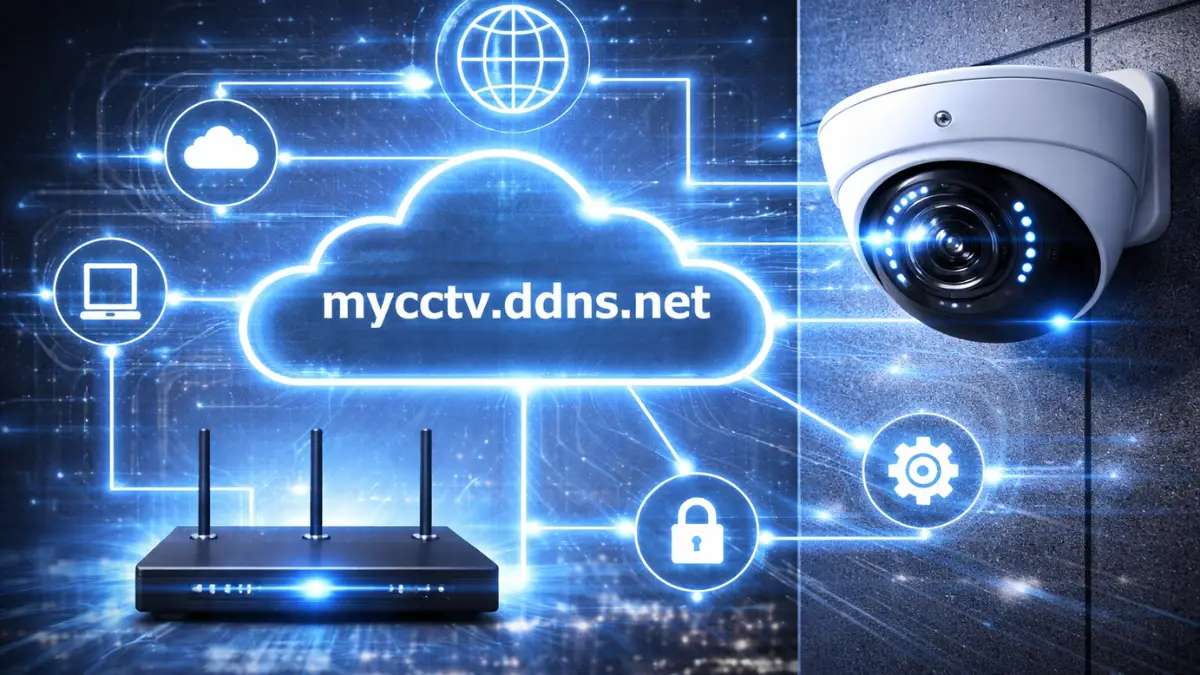
Want to access your CCTV cameras remotely but don’t have a static IP? No problem — DDNS (Dynamic Domain Name System) is the solution. Let us know the DDNS Setup for CCTV.
With DDNS, you can connect to your CCTV system using a domain name instead of changing IP addresses. This guide will help you set up DDNS step-by-step for any CCTV brand like Hikvision, Dahua, CP Plus, UNV, etc.
⭐ What is DDNS in CCTV?
DDNS (Dynamic DNS) converts your dynamic public IP into a fixed domain name.
👉 Example:
- Without DDNS → http://103.xxx.xxx.xxx
- With DDNS → http://yourcctv.ddns.net
📌 This makes remote access easy and reliable.
💡 Why Use DDNS? (DDNS Setup for CCTV)
✔ No need for static IP
✔ Easy remote access
✔ Works with all CCTV brands
✔ Cost-effective solution
✔ Perfect for home & small business
🔧 Requirements for DDNS Setup
Before starting:
✔ Internet connection
✔ DVR/NVR or IP camera
✔ Router access
✔ DDNS account (free or paid)
🌐 Popular DDNS Services
- No-IP (noip.com)
- DynDNS
- DuckDNS
👉 Most CCTV systems support these services.
⚙️ Step-by-Step DDNS Setup
📝 Step 1: Create DDNS Account
- Go to No-IP / DuckDNS
- Create free account
- Create hostname (example: mycctv.ddns.net)
🔍 Step 2: Find Public IP
Search on Google:
👉 What is my IP
⚙️ Step 3: Log in to DVR/NVR
- Open browser
- Enter device IP (example: 192.168.1.108)
- Log in to settings
🌐 Step 4: Enable DDNS
Go to:
👉 Network → DDNS
Fill details:
- Server: No-IP / DynDNS
- Hostname: mycctv.ddns.net
- Username: your DDNS username
- Password: your DDNS password
👉 Save settings
🔄 Step 5: Configure Port Forwarding
👉 DDNS works with port forwarding
Example:
- Port: 80 → 8080
📱 Step 6: Access CCTV Remotely
Use:
Now you can access your CCTV from anywhere 🌍
🚨 Troubleshooting
❌ DDNS Not Working
✔ Check hostname
✔ Verify username/password
✔ Check internet connection
❌ Domain Not Opening
✔ Check port forwarding
✔ Try a different port
✔ Check firewall
❌ IP Not Updating
✔ Enable auto-update in DDNS
✔ Use router DDNS option
🔐 Security Tips
✔ Use a strong password
✔ Change default ports
✔ Enable HTTPS
✔ Disable unused services
✔ Keep firmware updated
📈 Important Highlights
👉 DDNS replaces a dynamic IP with a domain name
👉 Works without a static IP
👉 Requires port forwarding
👉 Supports all CCTV brands
👉 Best for home & small business
❓ Frequently Asked Questions (FAQ)
Q1. What is DDNS in CCTV?
👉 It converts a dynamic IP into a fixed domain name
Q2. Is DDNS free?
👉 Yes, services like No-IP & DuckDNS offer free plans
Q3. Do I need port forwarding with DDNS?
👉 Yes, DDNS works with port forwarding
Q4. Which DDNS is best?
👉 No-IP is the most popular and easiest
Q5. Can I use DDNS on mobile?
👉 Yes, via browser or apps
Q6. Is DDNS safe?
👉 Yes, if proper security measures are used
🏁 Final Conclusion
DDNS is the best solution if you don’t have a static IP but still want remote access to your CCTV system.
👉 Easy setup
👉 Cost-effective
👉 Works with all major brands
Combine DDNS + Port Forwarding for full remote access control 🔥
Latest Post
- CCTV Cameras Can Be Hacked: How to Secure Your CCTV in 2026
- India’s CCTV Market Is Changing—Here’s What It Means for Hikvision, Dahua and Indian Brands
- Guanlan Encoding by Hikvision – Features, Benefits & Complete Guide (2026)
- HikTech Star Show 2026 – Complete Guide, Benefits, Registration & Tips
- Plugins for Eco Series – Download, Install & Fix Plugin Issues