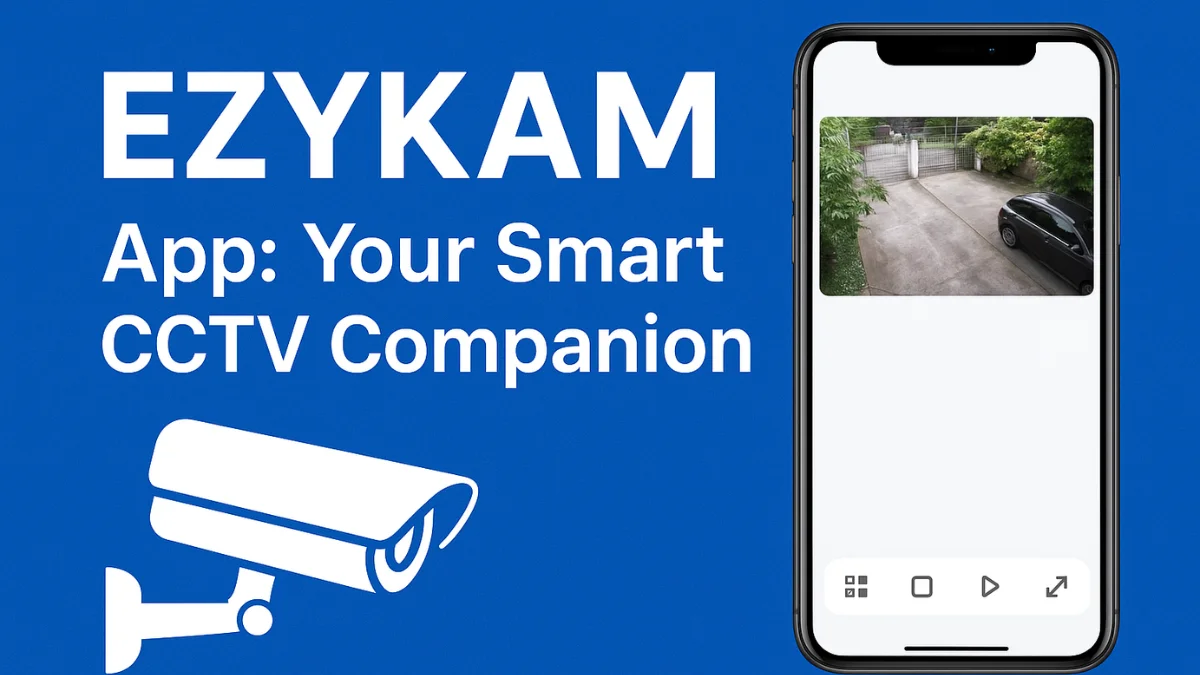
In today’s world, security is something we can’t take lightly. Whether it’s your home, shop, or office, having eyes on your space gives you peace of mind. The EZYKAM app makes this easy by letting you watch your CCTV cameras directly from your smartphone.
As someone who has personally used it to monitor my small office, I can honestly say it’s easy, reliable, and beginner-friendly — even if you’re not very tech-savvy.
📲 What is the EZYKAM App?
The EZYKAM app is a mobile application created by CP PLUS that allows you to view, control, and manage your CCTV cameras remotely. No matter where you are, you can check what’s happening at your place in real time.
⭐ Key Features
- 📷 Live video streaming from your CCTV cameras
- 🔄 Playback of recorded footage
- 🛎️ Instant motion alerts and notifications
- 📡 Remote PTZ (Pan-Tilt-Zoom) camera control
- 👥 Multi-user access support
- ☁️ Cloud recording support (if enabled)
💡 Why I Recommend the EZYKAM App
When I first tried this app, I thought it might be complicated, but it took me less than five minutes to set it up.
Here’s what I loved most:
- Quick Setup: Just scan the camera’s QR code and you’re connected.
- Smooth Streaming: Even on mobile data, video plays without buffering.
- Instant Alerts: Motion alerts give peace of mind when I’m away.
- User-Friendly Interface: Everything is clearly labeled and easy to use.
- No Hidden Charges: Basic live view is completely free.
Pro Tip: Always keep your app updated for the latest features and security improvements.
⚙️ How to Set Up the EZYKAM App
- Install the App: Search for “EZYKAM” on your phone’s app store.
- Sign Up or Log In: Use your mobile number or email to create an account.
- Add Your Camera: Tap the plus (+) icon and scan your camera’s QR code.
- Start Monitoring: Once connected, you can watch live footage anytime.
❓ Frequently Asked Questions (FAQ)
Q1: Is the EZYKAM app free to use?
A: Yes, it is completely free to download and use. Optional cloud services may be paid.
Q2: Can I use this app on more than one phone?
A: Yes, you can share access with your family or staff members for multi-user viewing.
Q3: Is it available for both Android and iOS?
A: Yes, the app works on both platforms.
Q4: What if the video doesn’t load properly?
A: Make sure your internet is stable. You can also lower the video quality from settings for smoother playback.
📝 Final Thoughts
If you use CP PLUS CCTV cameras, the EZYKAM app is a must-have. It gives you real-time access, complete control, and peace of mind — all from your phone.
Security doesn’t have to be complicated or expensive. This app proves that smart surveillance can be simple, even for beginners.
Latest Post
- CCTV Cameras Can Be Hacked: How to Secure Your CCTV in 2026
- India’s CCTV Market Is Changing—Here’s What It Means for Hikvision, Dahua and Indian Brands
- Guanlan Encoding by Hikvision – Features, Benefits & Complete Guide (2026)
- HikTech Star Show 2026 – Complete Guide, Benefits, Registration & Tips
- Plugins for Eco Series – Download, Install & Fix Plugin Issues