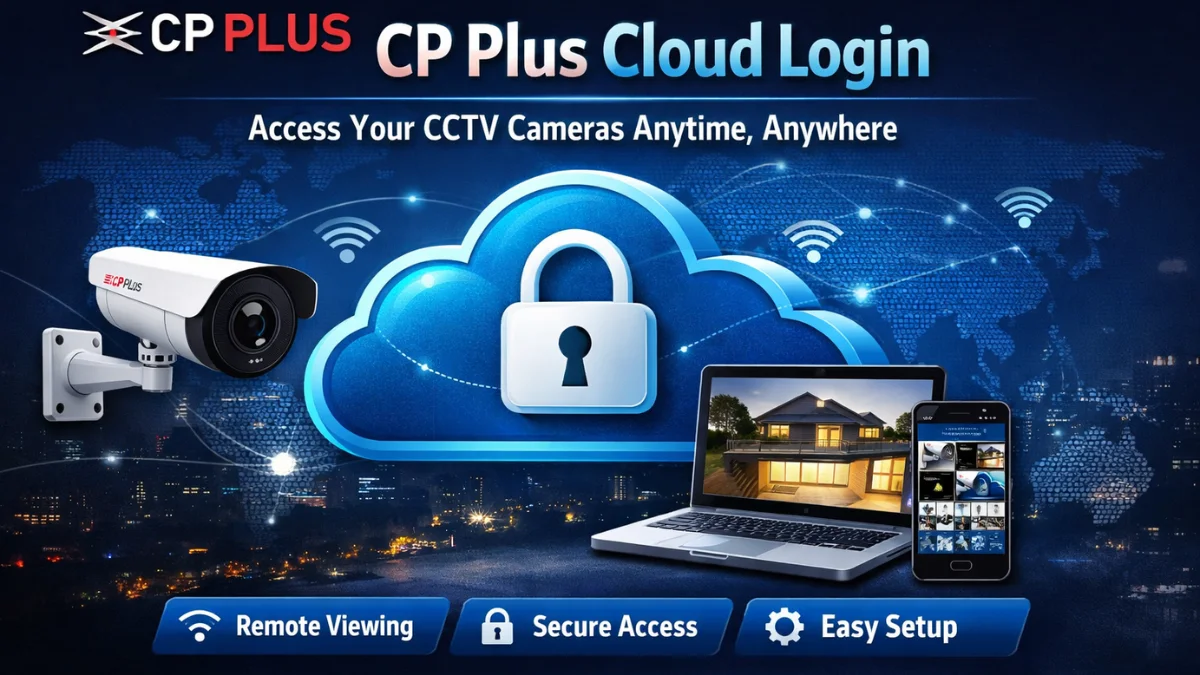
If you are using CP Plus CCTV cameras, you already know how important it is to keep an eye on your home or business from anywhere. Thanks to the CP Plus Cloud Login feature, you can now monitor your cameras remotely through the CP Plus ezyCloud platform without any complicated settings.
In this blog, we will walk you through:
- What CP Plus Cloud is
- How to register and log in
- Step-by-step guide for mobile & PC
- Troubleshooting login issues
- FAQs for quick help
What is CP Plus Cloud?
CP Plus Cloud is an online platform that allows users to access live CCTV camera feeds remotely. With cloud-based login, you can:
👉 watch footage from anywhere
👉 store recordings online (plan-dependent)
👉 Share access with family members
👉 receive alerts on your phone
Highlight:
CP Plus Cloud Login gives you remote access without port forwarding or complex networking.
Benefits of Using CP Plus Cloud Login
| Feature | Benefit |
|---|---|
| Remote Access | Monitor cameras from anywhere |
| Easy Setup | No need for static IP or DDNS |
| Secure Login | Encrypted connection for safety |
| Multi-device Support | Works on Android, iOS, Laptop, Desktop |
| Cloud Backup | (Optional) Add-on for secure storage |
Important Point:
👉 You only need an internet connection, and the camera must be online.
How to Create an Account on CP Plus Cloud
Before logging in, make sure you register a new account on the app or website.
Registration on the Mobile App
- Download the CP Plus cPlus app from the Play Store or App Store.
- Open the app and select Register / Sign Up.
- Enter email or mobile number.
- Create a secure password.
- Verify via OTP/email confirmation.
✔️ Your cloud account is now ready.
How to Log in to CP Plus Cloud on Mobile
Follow these steps to access your cameras on the app:
- Open the cPlus / CP Plus ezyCloud app.
- Tap Login.
- Enter your registered email/number and password.
- Click Sign In.
- Devices will appear automatically if added.
🎯 Highlight:
If cameras do not appear, go to Add Device → Scan QR Code → Complete Setup.
How to Log in to CP Plus Cloud on PC / Laptop
You can access CP Plus Cloud from a browser:
- Open your browser (Chrome recommended)
- Visit the CP Plus cloud login page
- Enter your username & password
- Click Login
- Choose your camera to view the live feed
💡 Tip: To improve streaming quality, ensure a minimum 10 Mbps upload speed at the camera location.
Troubleshooting CP Plus Cloud Login Issues
Here are common issues and solutions:
❌ Wrong Password → Click Forgot Password and reset.
❌ Device Offline → Check WiFi connection or router reboot.
❌ App Not Showing Camera → Remove device → Add again by QR scan.
❌ Login Failed Error → Update app and restart device.
❌ Slow Live View → Reduce video resolution (from 1080p → SD).
🟢 Pro Tip: Use a stable internet connection with a minimum 3 Mbps per camera.
Is CP Plus Cloud Login Secure?
Yes! CP Plus uses:
- Encrypted data transfer
- Two-step verification (optional)
- Secure user-based access control
Important for Security:
👉 Change your password every 6 months
👉 Do not share login with outsiders
👉 Enable mobile number verification
FAQs: CP Plus Cloud Login
Q1. Do I need to pay for CP Plus Cloud?
Basic access is free, but cloud storage plans may cost extra depending on the plan.
Q2. Can I use the same account on multiple devices?
Yes, but avoid sharing your login with unknown people for safety.
Q3. What to do if the camera is not showing online?
Check the internet, restart the router, or re-add the camera from the app.
Q4. Which internet speed is best for CP Plus Cloud?
At least 10 Mbps upload and 20 Mbps download recommended.
Q5. Can I access my CP Plus cameras without the cloud?
Yes, via DVR/NVR and local network, but remote viewing becomes difficult.
Final Thoughts
CP Plus Cloud Login is a powerful feature for CCTV users, especially for remote monitoring. Whether you are a business owner, shopkeeper, or homeowner, cloud login simplifies access and improves security.
If you want to watch live view, replay footage, or get alerts, CP Plus Cloud is the easiest way.
Latest Post
- CCTV Cameras Can Be Hacked: How to Secure Your CCTV in 2026
- India’s CCTV Market Is Changing—Here’s What It Means for Hikvision, Dahua and Indian Brands
- Guanlan Encoding by Hikvision – Features, Benefits & Complete Guide (2026)
- HikTech Star Show 2026 – Complete Guide, Benefits, Registration & Tips
- Plugins for Eco Series – Download, Install & Fix Plugin Issues