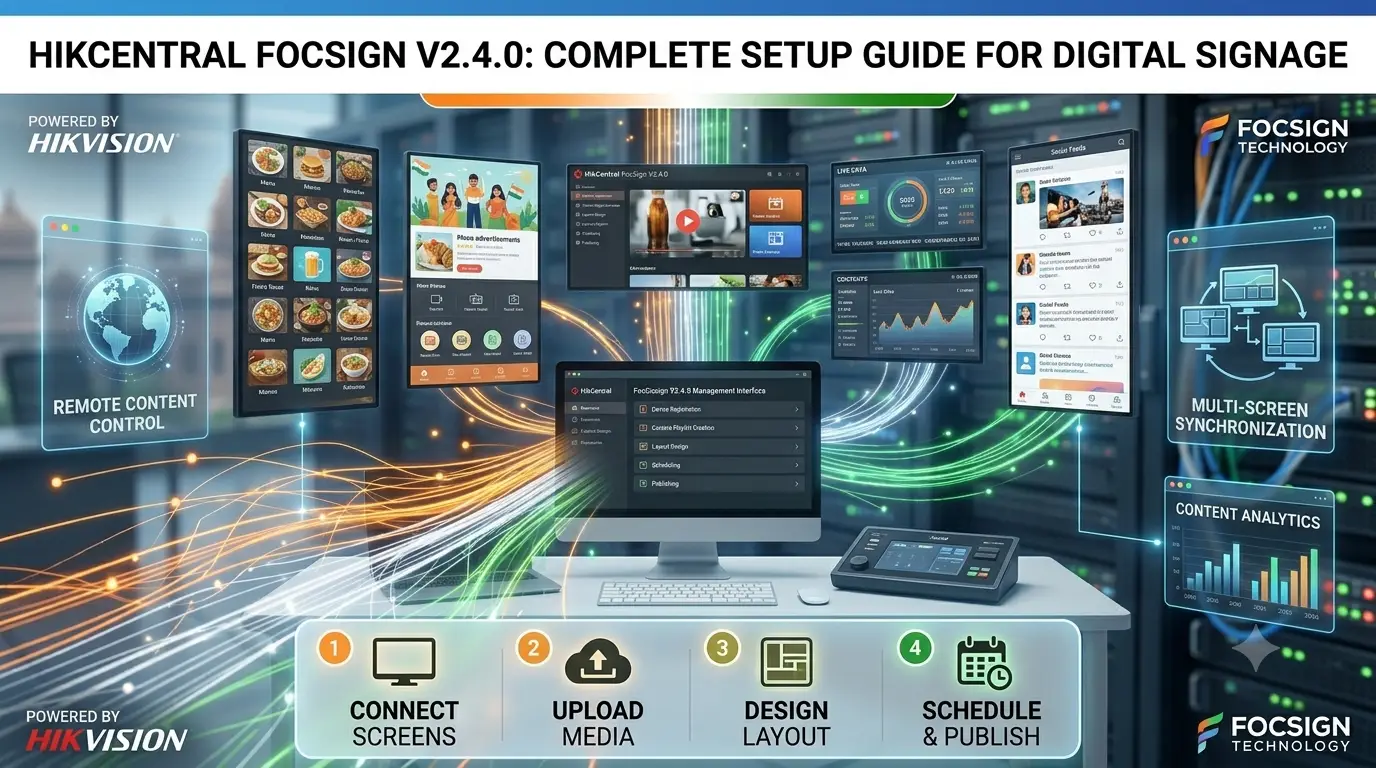
As a professional CCTV and security systems expert, HikCentral FocSign V2.4.0 module has become one of the most effective tools for digital signage in offices, retail stores, hotels, and corporate buildings. Version V2.4.0 brings smoother performance, better content management, and improved integration with Hikvision security systems.
This guide will walk you through everything you need to get started with HikCentral FocSign V2.4.0.
What is HikCentral FocSign?
FocSign is Hikvision’s powerful digital signage solution inside the HikCentral platform. It allows you to:
- Create and schedule dynamic content (images, videos, text, weather, news)
- Manage multiple display screens remotely
- Integrate real-time security information (camera feeds, access control events, alerts)
- Display corporate announcements, advertisements, or emergency messages
Version 2.4.0 offers enhanced stability, faster content uploading, and better multi-screen synchronization.
System Requirements
- HikCentral Server (V2.4.0 or compatible)
- Windows PC/Server with a good GPU
- Android or Professional Digital Signage Displays
- Stable network connection
Step-by-Step Installation & Configuration
- Install HikCentral FocSign
Ensure you have HikCentral installed. Enable the FocSign module during setup or add it via the Component Manager in V2.4.0. - Add Display Terminals
- Go to FocSign → Terminal Management.
- Add Android-based media players or smart displays.
- Install the FocSign Player app on the display devices and bind them using the activation code.
- Create Content
- Open Content Management.
- Create new playlists or materials (upload videos, images, RSS feeds, clock, weather widgets).
- Use the drag-and-drop editor for professional layouts.
- Scheduling & Publishing
- Assign playlists to specific screens or groups.
- Set schedules (daily, weekly, or one-time).
- Publish content instantly or on a timer.
- Integration with Security Systems
- Link live camera feeds from Hikvision NVRs/IP cameras.
- Display access control events or alarms on screens.
- Create emergency notification templates.
- Monitoring & Management
- Real-time status of all displays.
- Remote screenshot and volume control.
- Detailed playback logs and reports.
Expert Tips for Best Results
- Use high-quality 1080p or 4K displays for crisp visuals.
- Combine security feeds with promotional content for dual-purpose screens (e.g., reception areas).
- Organize screens into groups (Floor-wise, Department-wise) for easier management.
- Regularly update content to keep it fresh and engaging.
- Test emergency broadcast functionality thoroughly.
Common Issues & Troubleshooting
- Player Not Connecting: Check network, activation code, and firewall settings.
- Content Not Playing: Verify that the file format and resolution are supported.
- Lag or Sync Issues: Optimize video bitrate and ensure a strong Wi-Fi or LAN connection.
- License Error: Confirm the FocSign license is activated in HikCentral.
FAQ
Q1: Is FocSign V2.4.0 included with HikCentral?
A: It is a module that needs to be enabled and may require additional licensing.
Q2: Can it display live camera feeds?
A: Yes, excellent integration with Hikvision cameras and NVRs.
Q3: Suitable for a single screen or multiple locations?
A: Highly scalable — works great from one screen to dozens across multiple sites.
Q4: Does it support Android TV boxes?
A: Yes, most Android-based media players are compatible.
Q5: How is it different from other digital signage software?
A: Strong security integration and centralized management with the Hikvision ecosystem.
Final Thoughts
HikCentral FocSign V2.4.0 is a versatile and reliable digital signage solution that perfectly complements your security infrastructure. Whether for internal communication, customer engagement, or emergency alerts, it delivers professional results with minimal effort.
If you’re planning a digital signage project alongside your CCTV or access control system, FocSign is worth serious consideration.
Disclaimer: This guide is for informational and educational purposes. Always refer to the official Hikvision HikCentral FocSign V2.4.0 documentation and consult a certified technician for commercial deployments.
Latest Post
- CCTV Cameras Can Be Hacked: How to Secure Your CCTV in 2026
- India’s CCTV Market Is Changing—Here’s What It Means for Hikvision, Dahua and Indian Brands
- Guanlan Encoding by Hikvision – Features, Benefits & Complete Guide (2026)
- HikTech Star Show 2026 – Complete Guide, Benefits, Registration & Tips
- Plugins for Eco Series – Download, Install & Fix Plugin Issues