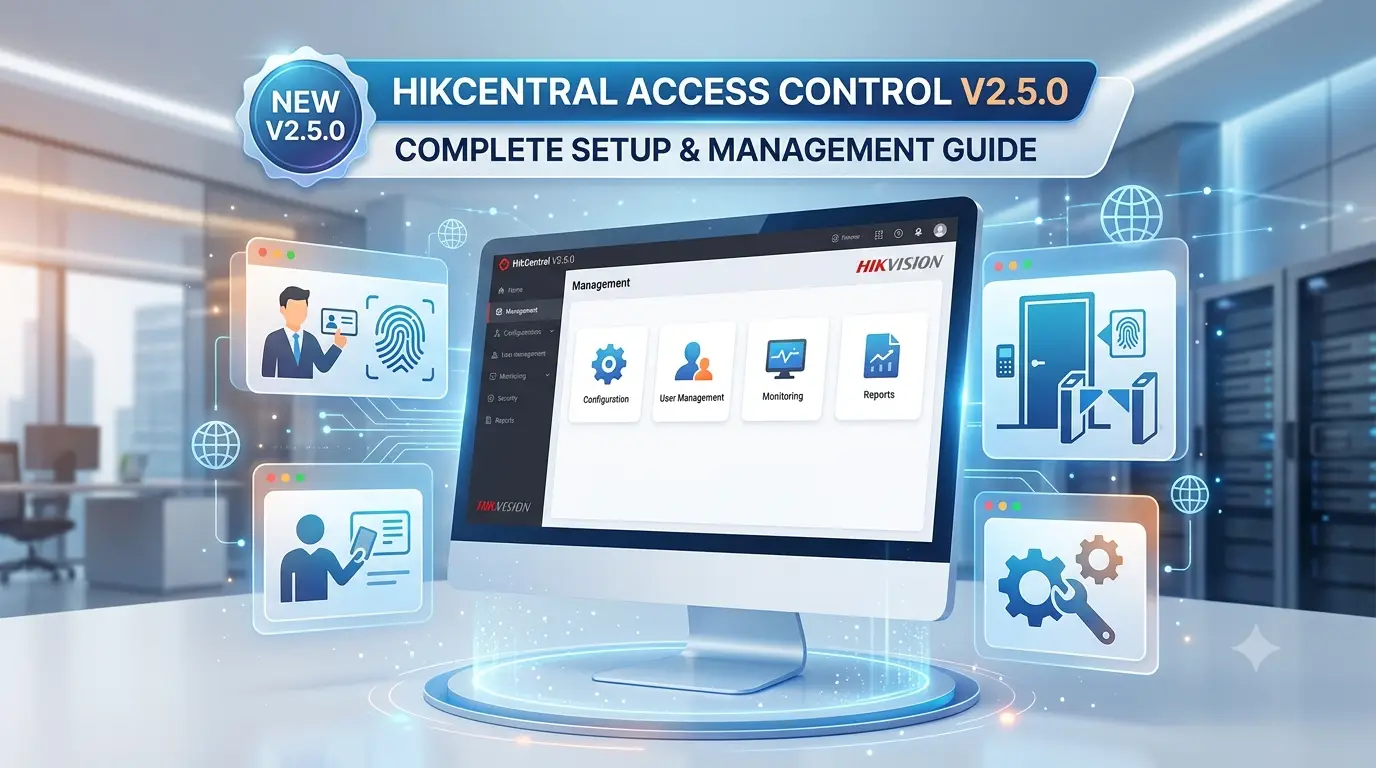
As a professional CCTV and security systems expert, HikCentral has become one of my go-to platforms for integrated access control solutions. Version 2.5.0 brings improved performance, better user management, and enhanced integration with Hikvision cameras and other security devices.
This guide will help you install, configure, and make the most of HikCentral Access Control V2.5.0 for your office, building, or enterprise.
What is HikCentral Access Control?
HikCentral is Hikvision’s powerful centralized management platform. The Access Control module allows you to:
- Manage doors, card readers, locks, and exit devices
- Handle employee/visitor access rights
- Monitor real-time events and alarms
- Integrate with video surveillance, attendance, and visitor management
- Generate detailed reports
Version 2.5.0 offers better stability, faster loading, and improved mobile app support.
System Requirements
- Server PC: Windows 10/11 Pro or Windows Server, Intel i5/i7, 16GB+ RAM, SSD storage
- Database: PostgreSQL or MySQL (recommended)
- Network: Stable LAN with proper firewall rules
Step-by-Step Installation & Configuration
- Download & Installation
Download HikCentral V2.5.0 from the official Hikvision portal. Run the installer as administrator and follow the wizard. Install both Server and Client components. - Initial Setup
- Launch HikCentral and complete the database configuration.
- Create the super admin account with a strong password.
- Activate the Access Control license (trial or full version).
- Add Access Control Devices
- Go to Device Management → Add online devices or manually add.
- Search for Hikvision access control panels (e.g., DS-K2600 series).
- Configure door settings: door name, direction (entry/exit), unlock duration, and anti-passback.
- User & Card Management
- Add personnel with photos, departments, and access levels.
- Issue cards or use mobile credentials (Bluetooth/NFC).
- Set time schedules (e.g., office hours only).
- Real-Time Monitoring
- Use the Event Center for live door status and alarms.
- Link cameras to doors for visual verification of events.
- Advanced Features in V2.5.0
- Improved visitor management
- Enhanced attendance & report generation
- Mobile app integration (HikCentral Mobile)
- Multi-site management for large organizations
Expert Tips
- Integration is Key: Combine with Hikvision IP cameras for video-linked access control — a powerful deterrent against tailgating.
- Security Best Practices: Use strong passwords, enable two-factor authentication, and regularly back up the database.
- Network Segmentation: Place access control devices on a separate VLAN for maximum security.
- Testing: Always test door fail-safe/fail-secure modes and emergency exit functionality.
Common Issues & Troubleshooting
- Device Not Online: Check the IP address, port (usually 8000), and network connectivity.
- License Issues: Verify activation status and server time sync.
- Slow Performance: Optimize the database and ensure sufficient server resources.
- Card Not Working: Check card encoding and reader configuration.
FAQ
Q1: Is HikCentral Access Control V2.5.0 free?
A: It offers a free trial. The full version requires licensing based on the number of doors/users.
Q2: Can it integrate with existing Hikvision CCTV?
A: Yes, seamless integration with Hikvision cameras and NVRs.
Q3: Does it support mobile access?
A: Yes, through the HikCentral mobile app for remote monitoring.
Q4: Suitable for small offices or only enterprises?
A: Excellent for both — scalable from single door to multi-building setups.
Q5: How to upgrade from older versions?
A: Follow the official upgrade path and back up data first.
Final Thoughts
HikCentral Access Control V2.5.0 is a robust, future-proof solution for modern access control needs. When properly configured, it delivers excellent security, convenience, and analytics.
If you’re planning an access control project, this platform combined with Hikvision hardware offers great value and reliability.
Disclaimer: This guide is for informational purposes. Always refer to the official Hikvision HikCentral V2.5.0 user manual and consult a certified installer for critical security deployments.
Latest Post
- CCTV Cameras Can Be Hacked: How to Secure Your CCTV in 2026
- India’s CCTV Market Is Changing—Here’s What It Means for Hikvision, Dahua and Indian Brands
- Guanlan Encoding by Hikvision – Features, Benefits & Complete Guide (2026)
- HikTech Star Show 2026 – Complete Guide, Benefits, Registration & Tips
- Plugins for Eco Series – Download, Install & Fix Plugin Issues