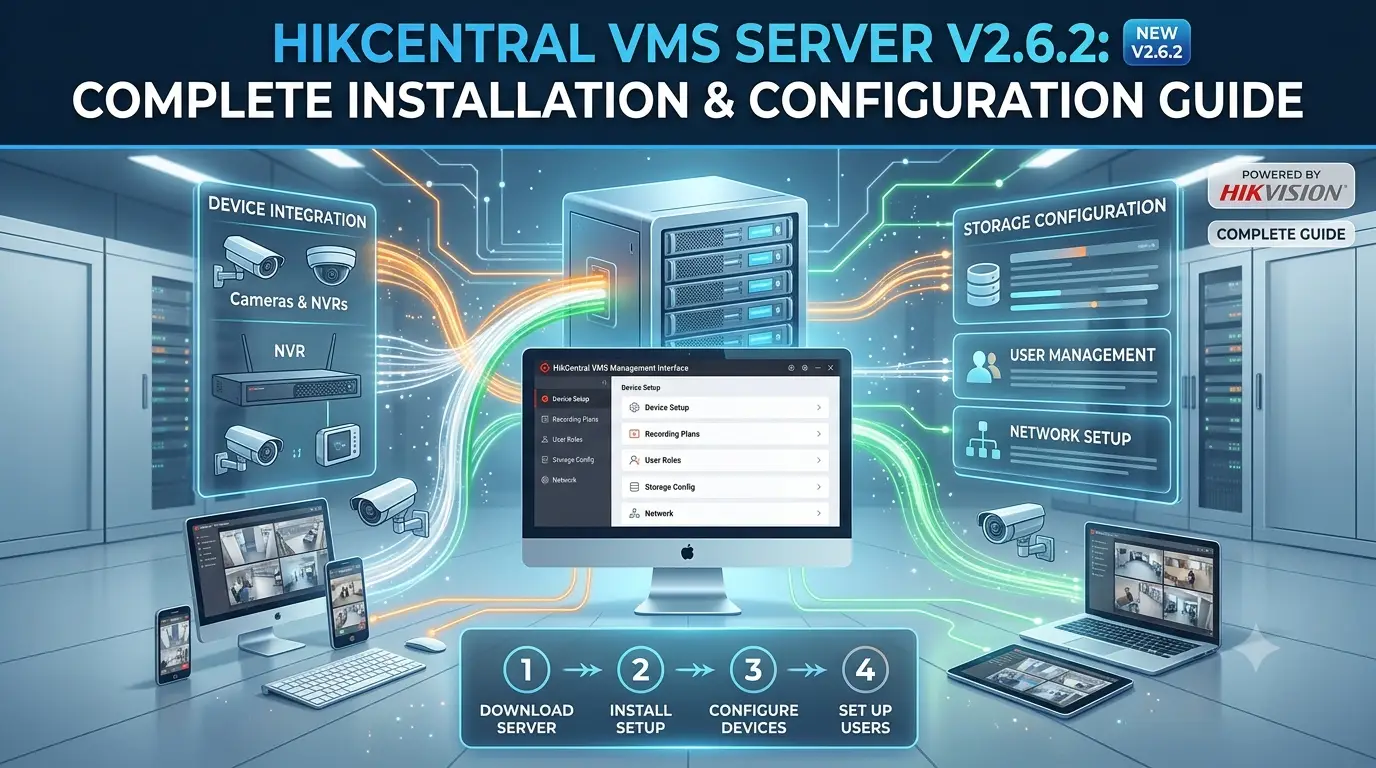
As a professional CCTV expert, HikCentral VMS Server V2.6.2 is one of the most powerful centralized video management solutions from Hikvision. It is ideal for medium- to large-scale surveillance projects, offering excellent scalability, stability, and integration capabilities.
This guide covers everything you need to install, configure, and optimize HikCentral VMS Server V2.6.2.
What is HikCentral VMS Server?
HikCentral VMS Server is the core video management platform that allows you to centrally manage hundreds or thousands of cameras, NVRs, and recording servers. Key features in V2.6.2 include:
- Unified device management
- Live view and intelligent playback
- Advanced alarm & event management
- Storage server clustering
- Mobile & web client support
- Improved performance and cybersecurity enhancements
System Requirements (Recommended)
- OS: Windows Server 2019/2022 or Windows 10/11 Pro
- CPU: Intel Xeon or i7 (8 cores+)
- RAM: 32GB minimum (64GB+ for large systems)
- Storage: SSD for OS + RAID for video storage
- Network: Gigabit Ethernet
Step-by-Step Installation & Setup
- Download & Install
Download HikCentral VMS Server V2.6.2 from the official Hikvision portal. Run the installer as administrator and select VMS Server components. - Database Configuration
Set up PostgreSQL or MySQL during installation. Use a strong password for the database. - Initial Server Setup
- Log in with default credentials and change them immediately.
- Configure server name, time zone, and NTP synchronization.
- Activate the license (Base + additional channels as needed).
- Add Devices
- Go to Device Management → Add cameras, NVRs, or encoders.
- Use auto-discovery for devices on the same network or add them manually.
- Organize devices into groups (by location or floor).
- Storage Configuration
- Add Recording Servers.
- Set storage paths, retention period, and recording schedules (continuous / motion / alarm).
- Enable redundant storage for critical areas.
- Live View & Client Access
- Use the HikCentral Client for powerful desktop monitoring.
- Configure web and mobile access for remote viewing.
- Advanced Features in V2.6.2
- Enhanced AI analytics integration
- Improved multi-server clustering
- Better bandwidth management
- Stronger cybersecurity features
Expert Tips
- Plan Your Architecture: Use separate servers for VMS, Storage, and Client for best performance in large deployments.
- Network Optimization: Use VLANs and QoS for video traffic.
- Security First: Enable HTTPS, use strong passwords, and restrict access with role-based permissions.
- Regular Maintenance: Monitor disk space, update firmware, and backup the database frequently.
Common Issues & Troubleshooting
- Server Not Starting: Check database connection and port conflicts.
- Devices Offline: Verify network, credentials, and firewall rules.
- High CPU Usage: Adjust stream quality and recording settings.
- License Problems: Confirm activation and channel count.
FAQ
Q1: What is the difference between HikCentral VMS and iVMS-4200?
A: iVMS-4200 is a lightweight client, while HikCentral VMS Server is a full enterprise-grade platform for large systems.
Q2: How many cameras can V2.6.2 support?
A: Highly scalable — from dozens to thousands depending on server hardware and licensing.
Q3: Does it support third-party cameras?
A: Yes, via ONVIF and other protocols.
Q4: Is mobile access available?
A: Yes, through the HikCentral mobile app with secure remote viewing.
Q5: Can I upgrade from older versions?
A: Yes, but always back up data and follow the official upgrade guide.
Final Thoughts
HikCentral VMS Server V2.6.2 is a robust, future-ready solution for professional video surveillance management. Whether you are managing a multi-site campus or a large enterprise, it delivers the centralized control and reliability you need.
For best results, combine it with Hikvision cameras, storage servers, and access control modules for a complete security ecosystem.
Disclaimer: This blog is for informational purposes only. Always refer to the official Hikvision documentation for HikCentral VMS Server V2.6.2 and engage a certified installer for enterprise deployments.
Latest Post
- CCTV Cameras Can Be Hacked: How to Secure Your CCTV in 2026
- India’s CCTV Market Is Changing—Here’s What It Means for Hikvision, Dahua and Indian Brands
- Guanlan Encoding by Hikvision – Features, Benefits & Complete Guide (2026)
- HikTech Star Show 2026 – Complete Guide, Benefits, Registration & Tips
- Plugins for Eco Series – Download, Install & Fix Plugin Issues